Wireshark vs Charles Proxy: Why Mobile Developers Choose the Wrong Tool (2026)
If you are debugging API calls for a mobile app, you have two main choices: Wireshark or Charles Proxy.
The problem? Many developers pick the wrong one for the job. They use Wireshark when they need a proxy, or Charles when they need a packet sniffer. Let’s clearly distinguish these tools so you can stop wasting time.
Wireshark: The Packet Sniffer
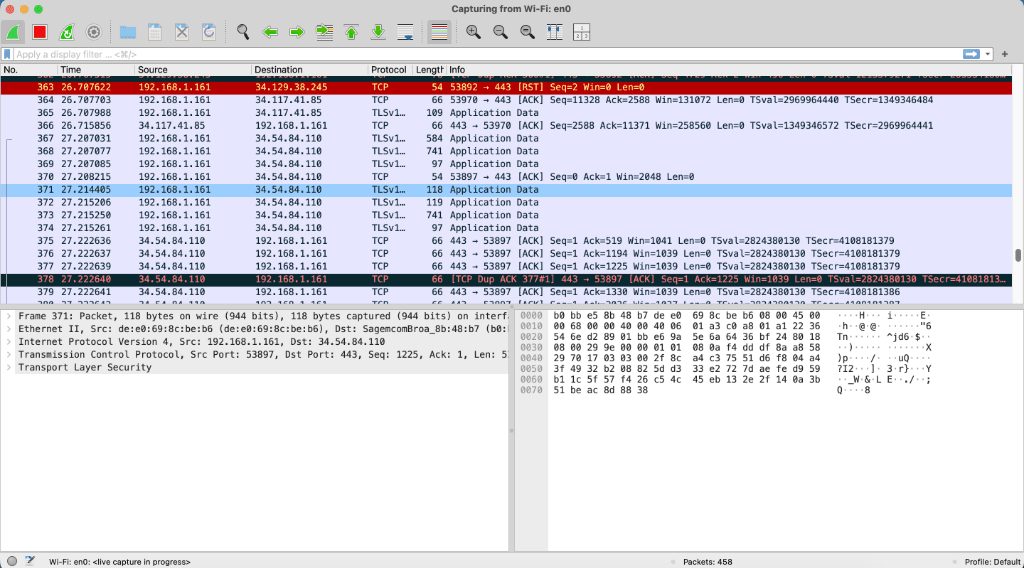
Wireshark is a Packet Sniffer. It captures "raw" bytes flying over the network card. It sees everything: TCP handshakes, ACK/SYN packets, DNS lookups, and more.
Ideal Audience:
- System Administrators
- DevOps Engineers
- Network Engineers
The Problem for Mobile Devs
Seeing "raw" bytes is great if you are debugging a TCP connection issue. But if you just want to see the JSON response from your API, Wireshark is overkill—and painful.
TLSv1.3 packets (Application Data).To fix this, you need to extract session keys and feed them to Wireshark. On modern Android/iOS, this requires rooted devices, complex Frida scripts, or patched APKs. Technically possible? Yes. Practical for daily debugging? Absolutely not.
Charles Proxy: The Web Debugging Proxy
Charles (and tools like Fiddler, Proxyman, or our own Chaos Proxy) works differently. It acts as a Man-in-the-Middle (MitM).
Instead of just watching packets fly by, Charles stops the request, decrypts it, shows it to you, re-encrypts it, and sends it to the server.
Ideal Audience:
- QA Engineers
- Frontend Developers
- Mobile Developers (iOS & Android)
Why it Wins for Mobile
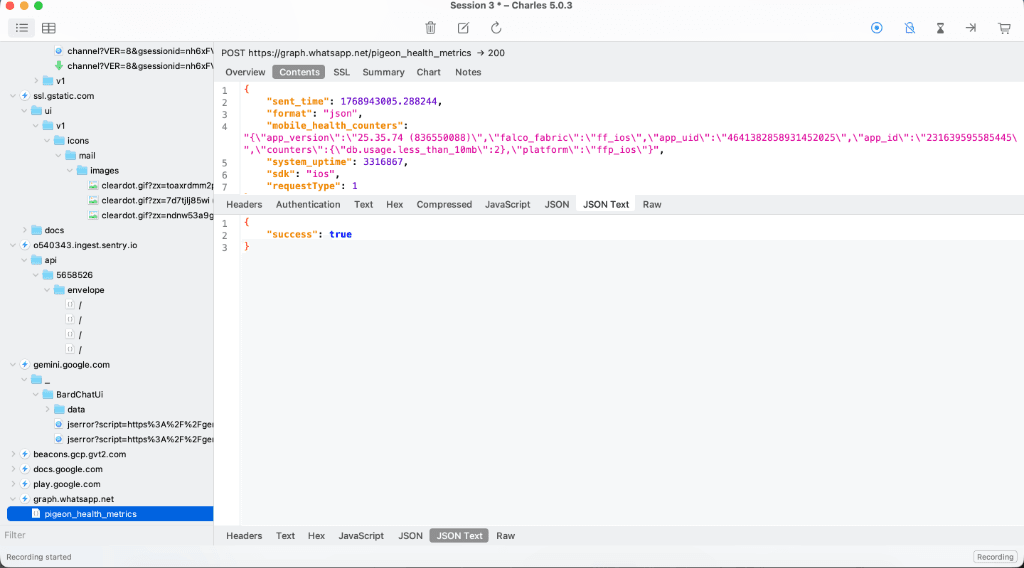
Using Charles is "Plug and Play" compared to Wireshark. You turn it on, and you immediately see:
- Readable JSON: Automatic SSL decryption shows you the actual data.
- Network Throttling: Simulate 3G/Edge networks to test flaky connections.
- Breakpoints & Local Map: Edit responses on the fly to test edge cases without backend changes.
- HTTP Headers: Easily inspect Auth tokens and Cache-Control headers.
The Verdict
Use Wireshark if...
You are debugging low-level TCP/UDP connection drops, WebSocket protocol errors, or you are a Network Engineer.
Use Charles if...
You are a Mobile Developer who needs to see the API JSON, check headers, or debug 400/500 errors. It is the de-facto standard.
The "Twist": Why Charles Proxy is Still Painful in 2026
While Charles is the right tool, it has its own headaches:
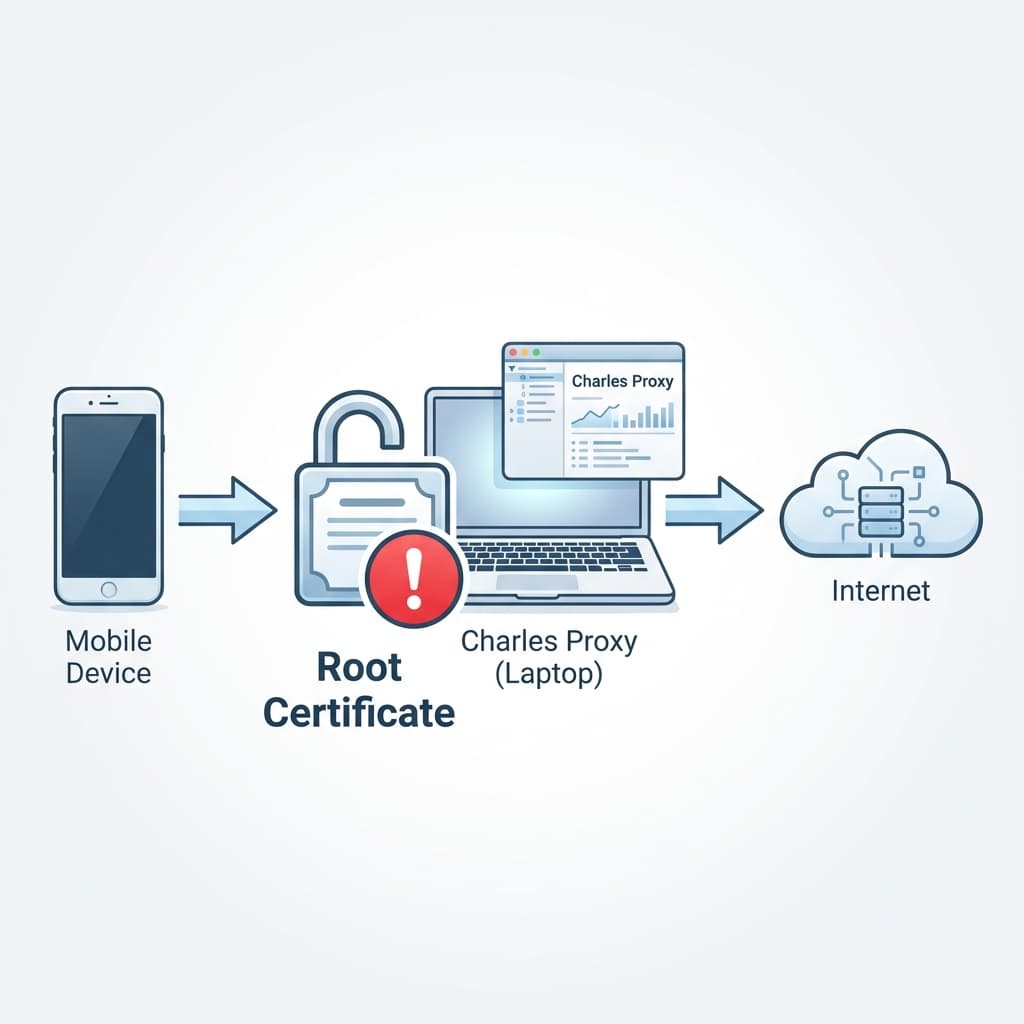
- The "It Works on My Machine" Problem: Charles runs locally on your laptop. This means:
- Your phone and laptop must be on the exact same Wi-Fi.
- You have to manually update the phone's Proxy IP settings every time you change locations (Office → Home → Cafe).
- If your laptop goes to sleep, your phone loses internet.
- No 4G/LTE Debugging: You can't easily debug issues that only happen on mobile data, because your phone can't reach your laptop's local IP.
- Certificate Maintenance: You still have to install the Root Certificate manually on every device. (And on Android 14+, this is extremely difficult).
Want to stop syncing IPs?
Chaos Proxy lives in the cloud. You configure your phone once, install the certificate once, and it works forever — on Wi-Fi, LTE, or 5G. No need to constantly check your laptop's local IP address.
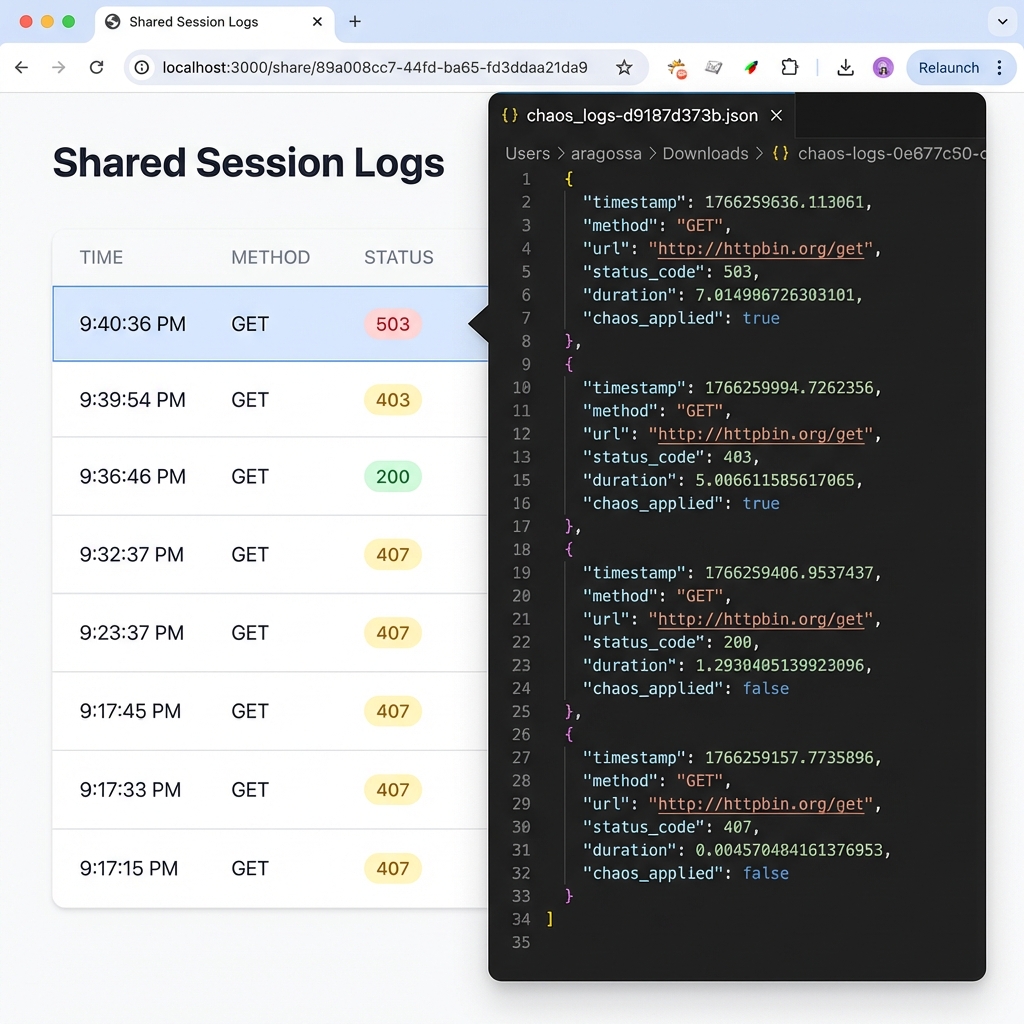
Perfect for remote teams & physical devices.