
The 3 Main Contenders
Debuggo (Chaos Proxy)
Best for Cloud Testing, Automation & CI/CD.
Proxyman
Best Native macOS app for manual inspection.
Charles Proxy
The old-school standard (stable but dated).
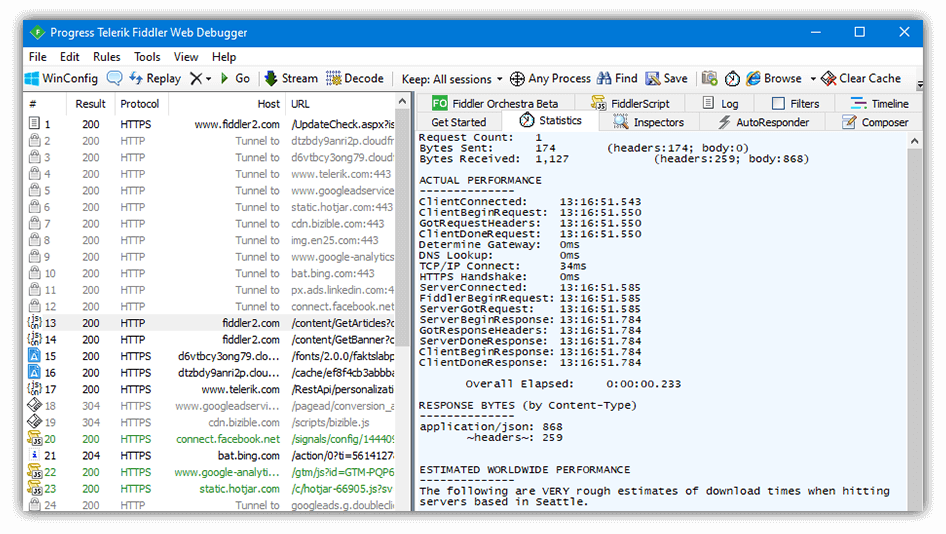
For almost two decades, Telerik Fiddler was the king of HTTP debugging. If you were on Windows, it was the only tool you needed.
But in 2025, the landscape has changed. Mobile development is cross-platform, teams are remote, and "Works on my machine" is no longer an acceptable excuse. Fiddler evolved into Fiddler Everywhere (a paid subscription service), forcing many developers to look for alternatives.
If you are tired of complex certificate setups or expensive subscriptions, here is a breakdown of the best alternatives, including a new Cloud-Native approach.
Best for Cloud Testing, Automation & CI/CD.
Best Native macOS app for manual inspection.
The old-school standard (stable but dated).
| Feature | Fiddler Classic | Fiddler Everywhere | Debuggo (Cloud) |
|---|---|---|---|
| Platform | Windows Only | Win / Mac / Linux | Web (Any OS) |
| Price | Free | $10/mo per user | Free Tier |
| Setup | Complex (System Proxy) | Medium | Zero Install |
| Sharing Logs | Manual (Email files) | Cloud Save (Paid) | Instant Link |
| Chaos Testing | Scripting (FiddlerScript) | Manual Rules | 1-Click Presets |
| CI/CD | ❌ No | ❌ No | ✅ API-Driven |
Fiddler acts as a local proxy. This means your phone (device) and your computer must be on the same Wi-Fi network. Testing over 4G/LTE is nearly impossible without complex port forwarding.
Installing the Fiddler Root Certificate on Android 14+ or iOS simulators is a multi-step ritual. If you switch devices, you have to do it again.
Fiddler is a GUI tool. You cannot easily run it inside a GitHub Actions pipeline to test if your app handles 500 Errors correctly.
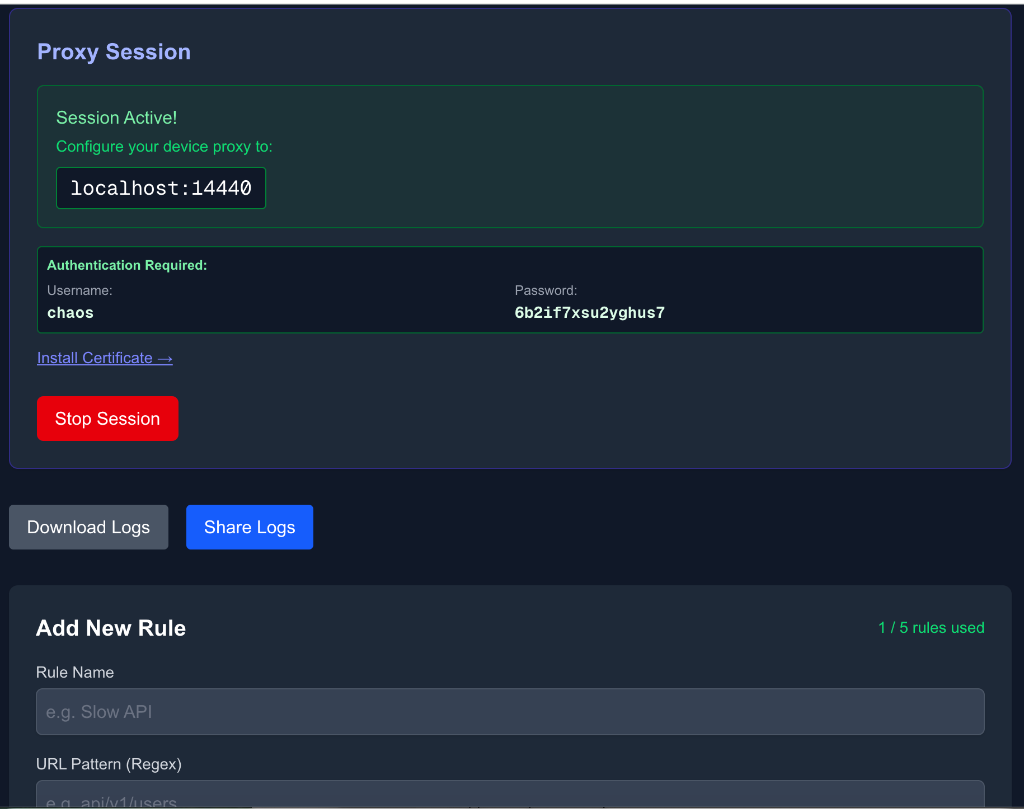
Debuggo Chaos Proxy takes a different approach. Instead of running on your laptop, the proxy runs in the cloud.
We believe in using the right tool for the job. You should keep using Fiddler if:
However, for Mobile Development (iOS/Android) and Web QA, the heavy lifting of Fiddler is often overkill and friction.
If you are looking for a Fiddler Alternative because you want a modern UI, try Proxyman. If you want to move your debugging to the cloud, automate tests, and forget about IP configuration, try Debuggo.